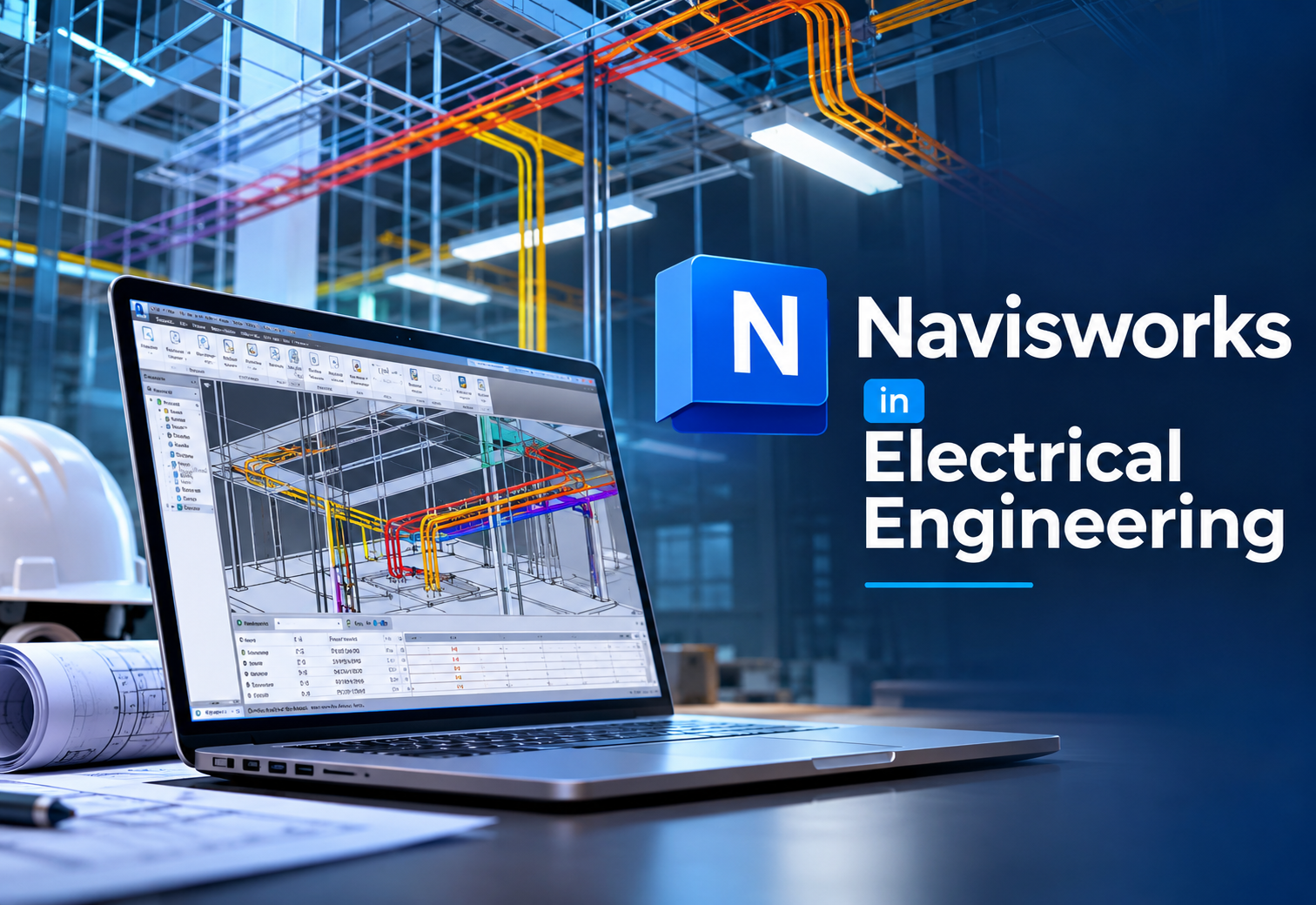
Master Navisworks
Navisworks is where every BIM model on a project comes together. In this certified Navisworks Manage course you combine architectural, structural and MEP models, find and resolve clashes before construction begins, build 4D construction simulations and take off quantities, with classroom training in Kochi, Thrissur, Irinjalakuda, Attingal (Trivandrum) and Palakkad, plus online and hybrid batches across Kerala.
4.7/5
17,458+ Reviews
8
Coordination Modules
3
Study Modes
Classroom | Online | Hybrid
Learn model review, clash detection, 4D simulation and 5D quantification in Navisworks Manage from industry-experienced faculty, with CTDS & Core certifications.


SoftwareAutodesk Navisworks Manage
Study ModeClassroom, Online, Hybrid
CertificationCTDS & Core
EligibilityEngineers, Architects, BIM/MEP Pros
CareersPlacement Assistance
Navisworks: 3D Model Review, Coordination & Clash Detection
Autodesk Navisworks helps teams review, coordinate and check designs on Building Information Modelling (BIM) projects. It finds clash and interference problems before construction begins, saving time on site and avoiding costly rework. Our Navisworks course in Kerala trains you to integrate, analyse and visualise complex construction data in one collaborative model.
What You Will Learn
A complete BIM coordination workflow, from separate discipline models to a clash-free, scheduled and quantified project.
- Combining Revit, AutoCAD, Civil 3D & IFC Models
- Clash Detection & Clash Reports in Clash Detective
- 4D Construction Simulation with TimeLiner
- 5D Quantity Take-Off with Quantification
Who Should Join?
Anyone who works with BIM models and wants to coordinate them.
- Electrical & Mechanical Engineers
- Civil Engineers & Architects
- MEP & BIM Modellers
- Site & Planning Engineers
Fix Problems Before the Site Does
A cable tray through a beam or a duct through a pipe costs minutes to fix in the model and days to fix on site. Navisworks finds them first.
Hands-On Projects & Expert Faculty
Work on real building models under experienced BIM instructors: append the architectural, structural, electrical, HVAC and plumbing models, run MEP vs structural clash tests, assign and track clashes to resolution, link the model to a construction schedule for a 4D simulation and take off quantities. You finish with a coordinated federated model, clash reports and a 4D walkthrough that show employers you are ready to coordinate real projects.
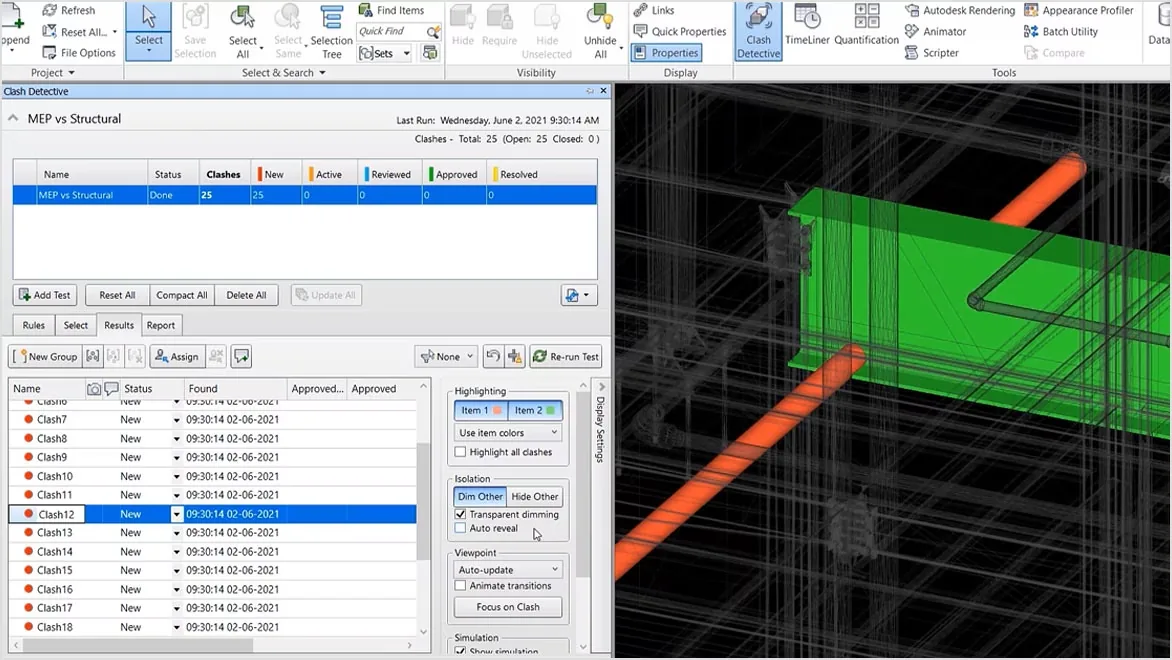
See Clash Detective in Action
Clash Detective is the heart of Navisworks Manage. You learn the same workflow BIM coordinators run every week on live projects.
- Append the ModelsBring architectural, structural and MEP models into one federated NWF file.
- Run Clash TestsSet up hard, clearance and duplicate tests such as MEP vs Structural with the right tolerances.
- Group, Assign & TrackGroup related clashes, assign them to the responsible trade and move them from New to Resolved.
- Report & ResolveIssue clash reports with viewpoints, then switch back to Revit to fix the model and re-run the test.
Navisworks Course Highlights
Everything you need to review, coordinate and plan BIM projects with confidence.
Clash Detection & Resolution
Identify and resolve clashes and conflicts within the project design, minimising errors and ensuring smooth construction.
4D & 5D Simulations
Create 4D and 5D simulations to interact with your design, linking the model to time and cost.
Construction Sequencing
Simulate construction sequencing and analyse project schedules, aiding accurate time and cost estimation.
Quantity Take-Off & Reports
Extract data for material take-offs from 2D sheets or 3D models and generate project reports for quantity tracking and cost management.
Real-Time Collaboration
Use cloud-based collaboration tools to share and review project data with the whole team in real time.
Industry Applications
See how Navisworks is used in architecture, engineering, construction and beyond to improve project outcomes and efficiency.
Where Navisworks Is Used
BIM coordination is required on most large projects in Kerala, India and the Gulf, and Navisworks is the industry-standard tool for it.
Commercial Towers
Offices, malls & mixed use
Hospitals
Dense MEP services
Data Centres
Trays, ducts & cooling
Airports & Metro
Large infrastructure
Industrial Plants
Piping & equipment layouts
Roads & Bridges
Civil 3D model review
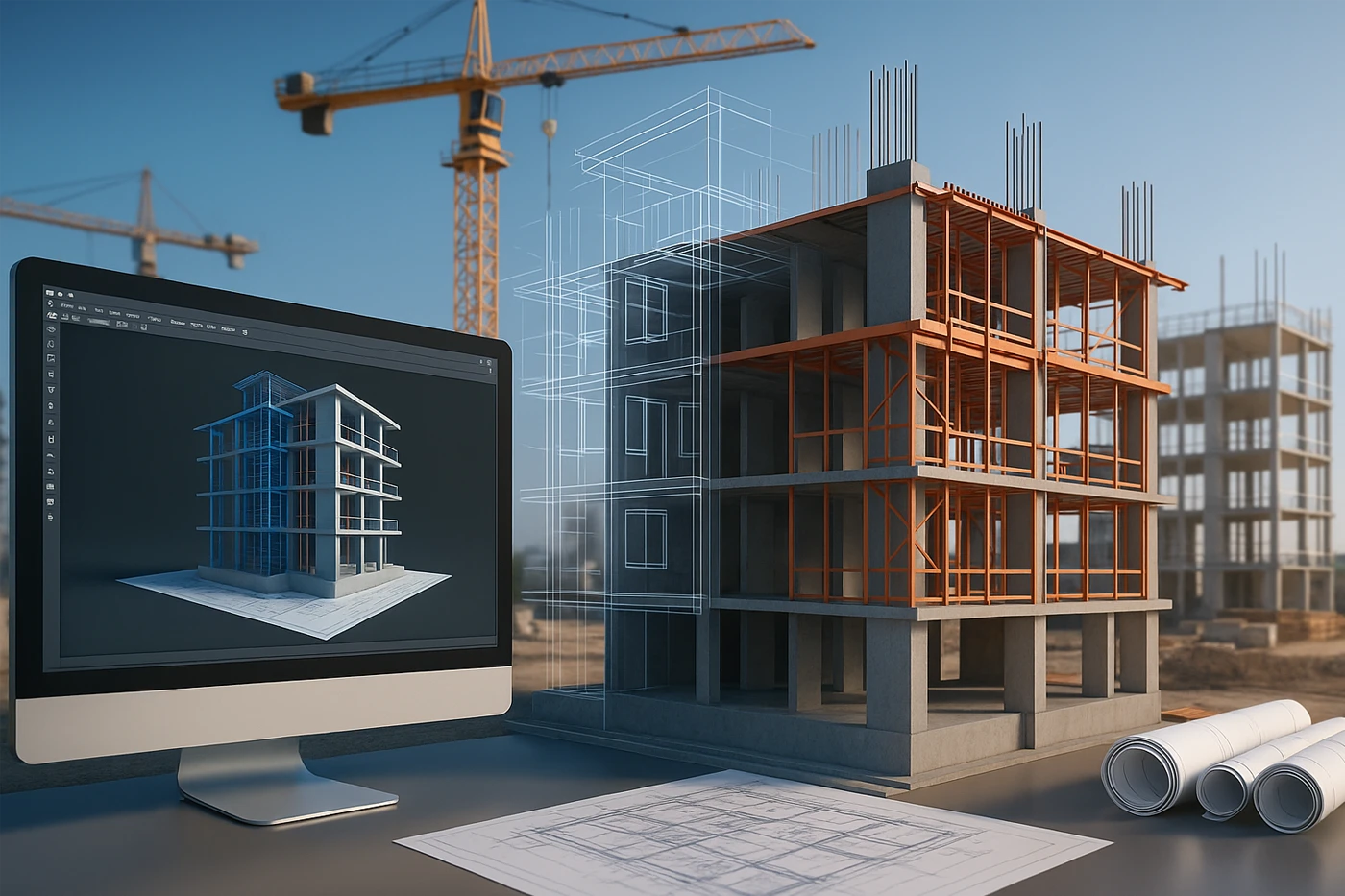
From Federated Model to Built Project
The kind of projects you will coordinate in the course, and how Navisworks connects the design office to the site.



Your Learning Path
A step-by-step journey from your first federated model to a job-ready BIM coordination portfolio.
Aggregate
Append & federate models
Review
Navigate, measure & redline
Coordinate
Clash Detective & reports
Simulate
4D TimeLiner & 5D quantities
Certify
CTDS & Core
Get Placed
Portfolio review & placement assistance
Why Learn Navisworks at CORE?
For 14 years, CORE Institute of Technology has trained electrical, civil and mechanical engineers across Kerala in industry-standard CAD, BIM and MEP software.
- Autodesk Authorised Training CentreNavisworks training at an Autodesk ATC, with CTDS and Core certifications.
- Experienced BIM FacultyInstructors with BIM coordination experience who teach the way consultants and contractors actually work.
- Real Project CoordinationCoordinate full building models with every discipline linked, not isolated exercises.
- Award-Winning InstituteRecipient of the CTDS Excellence Award 2023–2024.
- Centres Across KeralaKochi, Thrissur, Irinjalakuda, Attingal and Palakkad, plus online and hybrid batches.

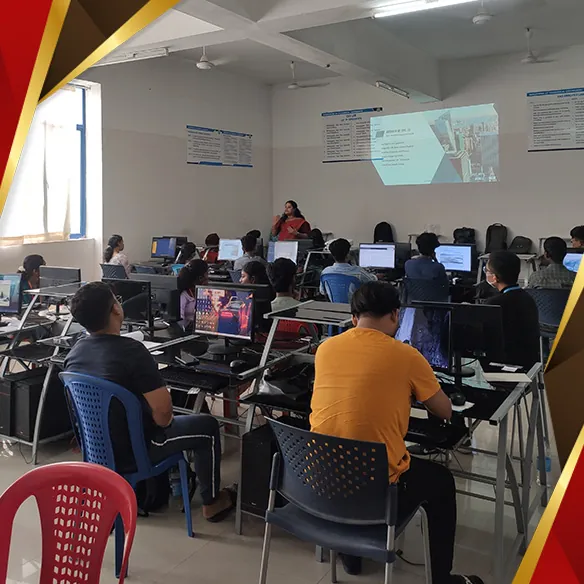
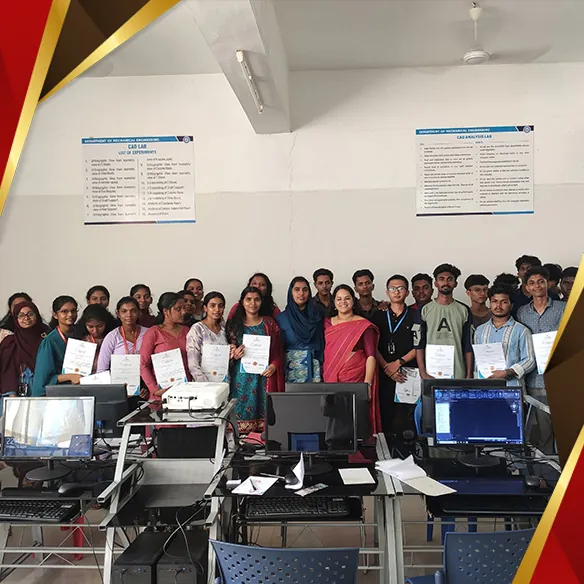
Navisworks Tools You Will Master
Gain practical command of the Navisworks Manage tools BIM coordinators use every day.
Clash Detective
Clash tests, rules & reports
TimeLiner
4D construction simulation
Quantification
5D take-off from 3D & 2D
Selection Tree & Sets
Search & selection sets
Viewpoints & Redlines
Review, mark-up & comments
Animator & Scripter
Object animation & interaction
Autodesk Rendering
Materials, lights & renders
Cloud Collaboration
Share & review NWD models
Comprehensive Navisworks Syllabus
Structured modules that take you from the Navisworks interface to a fully coordinated, scheduled and quantified BIM project.
01. Navisworks Fundamentals & Interface
- Navisworks Manage, Simulate & Freedom
- Interface, Ribbon & Dockable Windows
- NWC, NWF & NWD File Types
- Role of Navisworks in the BIM Workflow
02. Aggregating Project Models
- Opening, Appending & Merging Models
- Revit, AutoCAD, Civil 3D & IFC Files
- Point Clouds from ReCap
- Units, Transforms & File Refresh
03. 3D Model Review & Navigation
- Walk, Fly, Orbit & Navigation Tools
- Selection Tree, Search & Selection Sets
- Properties, Measure & Sectioning
- Viewpoints, Redlines & Comments
04. Clash Detection with Clash Detective
- Hard, Clearance & Duplicate Clashes
- Setting Up Clash Tests & Tolerances
- Clash Rules & Selection Sets
- MEP vs Structural & MEP vs MEP Tests
05. Clash Management & Reporting
- Grouping & Assigning Clashes
- Status Workflow: New to Resolved
- Clash Reports & Viewpoints
- Switchback to Revit & Re-running Tests
06. 4D Simulation with TimeLiner
- Creating Tasks & Task Types
- Importing MS Project & Primavera P6 Schedules
- Attaching Sets to Tasks
- Construction Sequence Simulation & Export
07. 5D Quantification & Cost Data
- Quantification Workbook & Catalogs
- Model Take-Off from 3D Elements
- Virtual & 2D Sheet Take-Off
- Exporting Quantities to Excel
08. Animation, Rendering & Collaboration
- Animator & Scripter
- Autodesk Rendering & Appearance Profiler
- Publishing NWD & Cloud Collaboration
- Final Coordination Project & Portfolio Review
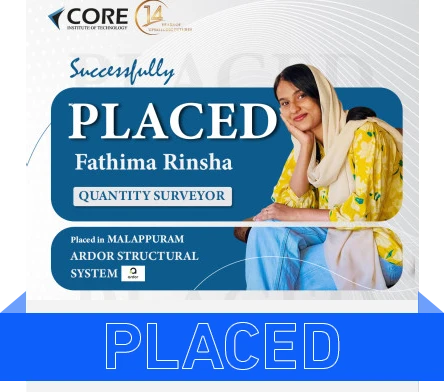
Our Students Get Placed
CORE students are working with construction, engineering and industrial companies across Kerala and India.



Awards & Recognition
Recognised by Autodesk and CTDS for training quality and student outcomes.



Earn Recognised Navisworks Certificates
Validate your BIM coordination skills with credentials valued by employers in India, the Gulf and beyond.

CTDS Certificate
A recognised certification for technical skill development awarded on successful completion.

CORE Course Certificate
Your CORE Institute of Technology certificate of completion for the Navisworks course.
Autodesk Authorised Training Centre
Learn Navisworks at an Autodesk Authorised Training Centre, on the same software used on live projects.
Pair Navisworks With In-Demand Courses
Navisworks coordinates the models you build in Revit and other tools. Add these courses to cover the full BIM workflow.


Our Certifications & Affiliations
Core Institute of Technology is an authorised certified training centre.

Explore Related Programs
Build on your Navisworks skills with our diploma and certification programs for BIM and MEP engineers.